Forgetting a single dose of medicine might seem like a small slip, but for millions of people, it's a constant struggle. In fact, about 50% of people with chronic illnesses struggle with medication adherence, which can lead to avoidable hospital visits and serious health complications. Whether you're managing a complex cocktail of ten different pills or just one daily vitamin, the goal is the same: getting the right dose at the right time, every single time.
The problem isn't usually a lack of will; it's a failure of the system. A simple alarm on your phone is often not enough because of "alert fatigue"-that moment when you swipe away a notification while busy and completely forget about it. To make a reminder system that actually works, you need a strategy that combines technology with behavioral psychology.
| Tool Type | Best For | Key Strength | Main Drawback |
|---|---|---|---|
| AI-Powered Apps | Complex Regimens | Behavioral analysis & patterns | Battery drain |
| Pharmacy-Linked Apps | Refill Management | Automatic prescription sync | Fewer caregiver tools |
| Smart Pill Dispensers | Seniors / High Risk | Physical dose verification | High monthly cost |
| Traditional Pillboxes | Simple Routines | No tech required | No active alerting |
Choosing Your Reminder System
Not every tool fits every lifestyle. If you're tech-savvy and want deep insights, a dedicated app like Medisafe is a leading medication adherence app that uses an AI-driven Adherence Engine to analyze behavioral variables. It doesn't just beep; it looks for patterns in how you take your meds and can alert a caregiver if you miss a dose. This is a game-changer for those managing multiple conditions.
If your biggest headache is running out of pills, look for pharmacy-integrated options. Mango Health is a platform focused on retail pharmacy connectivity with thousands of U.S. partnerships, making the transition from "reminder" to "refill" seamless. For those who prefer a more direct link to their healthcare provider, integrated EHR modules like MyChart by Epic Systems provide a clinical bridge, though they often have lower engagement than standalone apps.
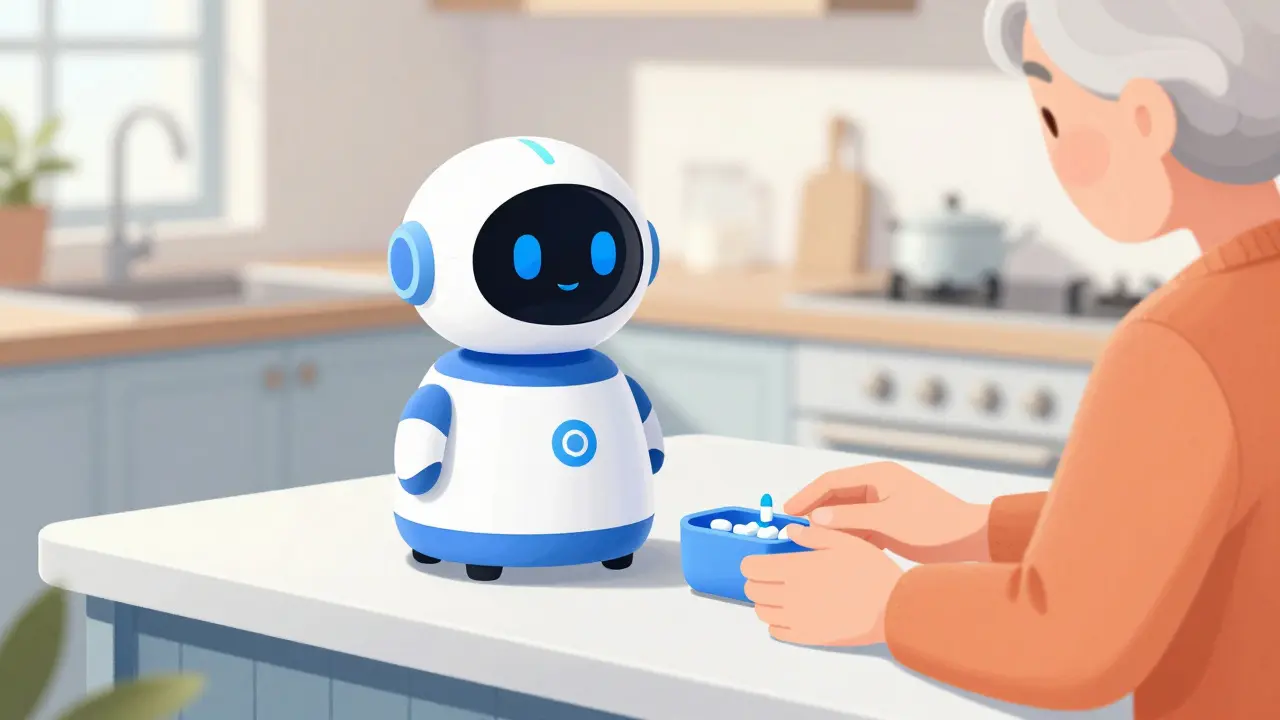
For seniors or those who find smartphones frustrating, physical hardware is often the safest bet. Hero Health is a smart dispensing robot that automates pill sorting and delivery. While expensive, these systems achieve significantly higher adherence rates (around 82%) compared to apps alone because the machine physically presents the medication.
How to Configure Alarms to Stop "Alert Fatigue"
The biggest reason people stop using reminders is that the alarms become background noise. To prevent this, you need to implement a staggered escalation protocol. Instead of one loud alarm that you ignore, set up a sequence:
- Phase 1: The Subtle Nudge. A silent vibration or a gentle notification 15 minutes before the dose.
- Phase 2: The Active Alert. A distinct audio alarm at the exact dose time.
- Phase 3: The Safety Net. If the dose isn't marked as "taken" within 45 to 60 minutes, the system should trigger a high-priority alert or notify a designated family member.
Another pro tip is to use context-aware notifications. Modern systems can integrate with your digital calendar. For example, if you have a scheduled meeting, a smart system can delay a non-critical reminder by ten minutes so you aren't interrupted, reducing the urge to disable the app entirely.
The Technical Setup: Avoiding Common Pitfalls
Setting up a system takes anywhere from 30 to 120 minutes, depending on how many meds you take. To ensure your system doesn't fail silently, follow these technical steps:
- Verify Your Time Zone: Ensure your app is synced with the IANA timezone database. A common failure occurs during daylight saving changes, causing doses to be shifted by an hour.
- Audit Your Permissions: Go into your phone settings and ensure "Critical Alerts" are enabled. Many apps fail because the operating system puts them in "sleep mode" to save battery.
- Use Barcode Scanning: Instead of typing medication names, use the app's barcode scanner. This reduces input errors by over 80% and ensures the app pulls the correct drug data from databases like RxNorm, which is a standardized nomenclature for clinical drugs.
- Set Up Caregiver Tiers: If you have a partner or child helping you, don't just give them your password. Use permission tiers-let them view your schedule and receive emergency alerts without giving them full administrative access.
Psychological Tricks to Stick With It
Technology is the tool, but habit is the engine. To make your medication routine stick, try these behavioral techniques:
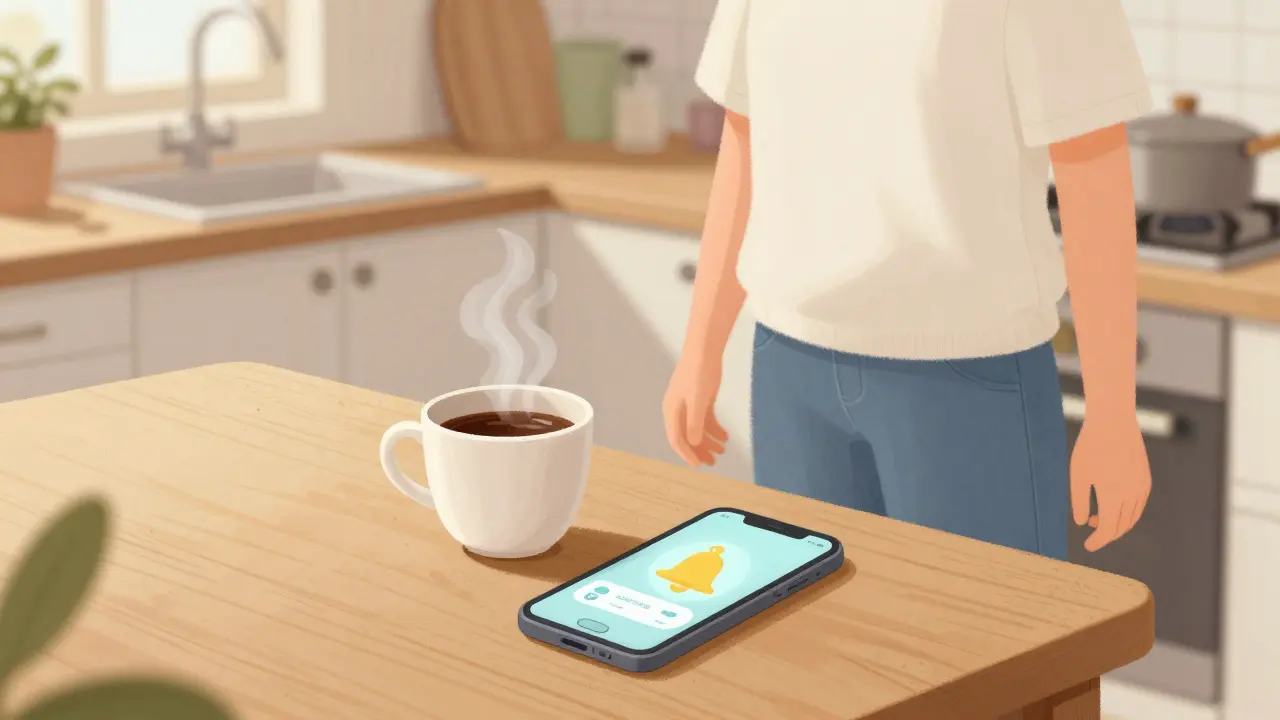
The "Habit Stack": Attach your medication reminder to an existing habit. If your alarm goes off at 8:00 AM, pair it with your morning coffee. The coffee becomes the physical trigger, and the app becomes the confirmation.
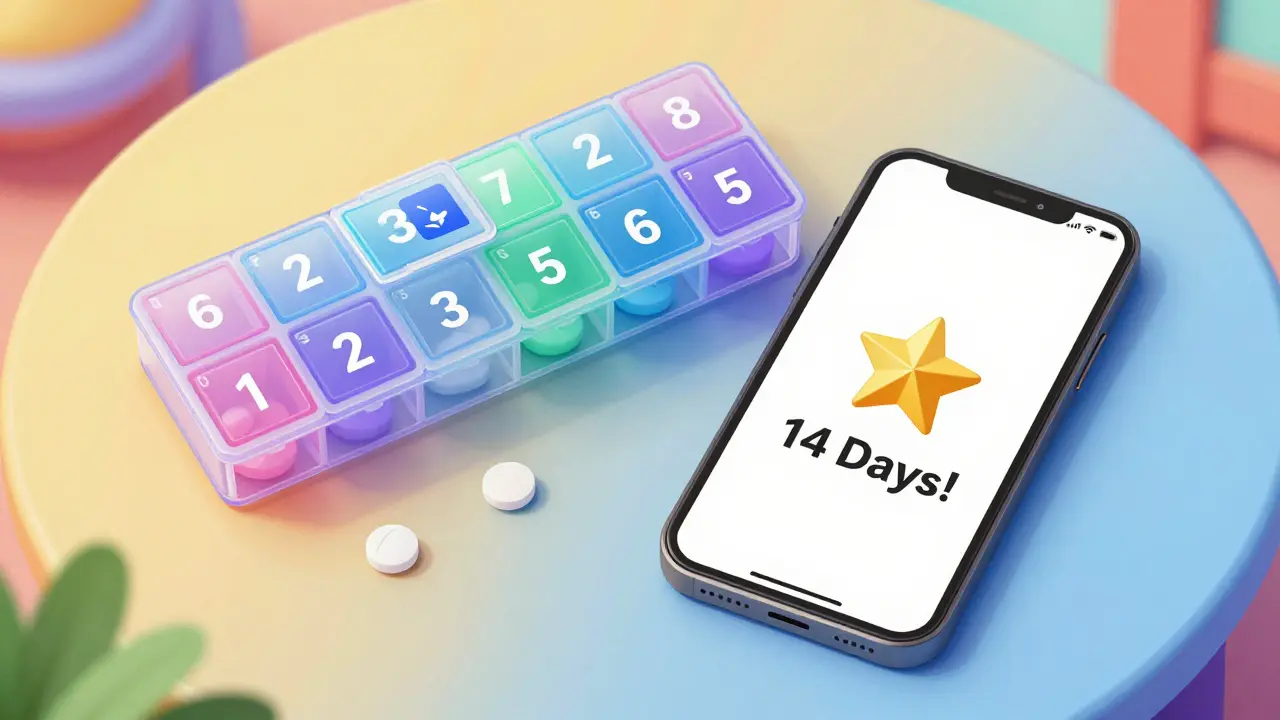
Gamification: For some, a "streak counter" (e.g., "14 days in a row!") provides a dopamine hit that encourages consistency. However, if you find badges and points distracting, turn them off. What works for a 25-year-old with ADHD might be irritating to a 70-year-old with hypertension.
Visual Confirmation: If you struggle with "did I actually take that?" anxiety, use an app that requires a photo of the pill or a physical click of a button. This eliminates the dangerous risk of double-dosing.
When Digital Systems Fail
No app is perfect. You will encounter API changes, battery drain, or software crashes. To prevent a catastrophic failure, always maintain a low-tech backup. A simple weekly pillbox serves as a visual audit: if it's Tuesday and Monday's slot is still full, you know your app failed you.
Be aware of "polypharmacy" risks. If you are taking more than ten different medications, the sheer volume of alerts can be overwhelming. In these cases, work with your doctor to see if any medications can be combined or shifted to a once-a-day extended-release version to reduce the number of daily alarms.
What is the best app for someone who forgets everything?
For those with severe forgetfulness, Medisafe is highly recommended because of its "Medfriend" feature, which alerts a trusted contact if a dose is missed. For those who cannot manage a smartphone, a smart dispenser like Hero Health is the gold standard as it physically dispenses the pill.
Will these apps drain my phone battery?
Yes, apps that use background location services or constant syncing can drain battery by about 1-2% per hour. To mitigate this, disable unnecessary background permissions and use "Battery Optimized" settings for the app if the notification delivery remains reliable.
How do I stop my phone from silencing my medication alarms?
On iOS and Android, you must enable "Critical Alerts" or "Override Do Not Disturb" in the app's notification settings. Without this, your phone may treat your life-saving medication reminder as a low-priority social media notification.
Is my health data safe in these apps?
Look for apps that explicitly state they are HIPAA-compliant and use AES-256 encryption. This ensures that your medication list and health history are encrypted and not accessible to unauthorized parties.
What if I travel across different time zones?
Ensure your app has "Automatic Time Zone Adjustment" turned on. Some apps allow you to set a "home time zone" for medications that must be taken at specific intervals regardless of where you are, while others adjust to local time. Check your settings before flying.
Next Steps for Success
If you're just starting, don't try to automate everything in one day. Start by picking one medication-the most critical one-and set up a staggered alarm for it. Once that feels natural (usually after about 21 days), add your other medications one by one.
If you find that you're still missing doses despite the alarms, it's time to talk to your pharmacist. They can often provide "blister packs" or multi-dose packaging that simplifies the process, turning your digital reminder into a simple physical check.
Will Gray
April 12, 2026 AT 01:56HIPAA compliant? Please. If you're feeding your medical data into some "AI-driven engine," you're basically handing the keys to your biology to some corporate shadow government. These apps aren't for "adherence," they're for data harvesting and profiling. Only a complete idiot would trust a cloud-based system with their health history when it's so obvious they're just building a database for the next social credit system. Stick to a physical box if you have any shred of dignity or intelligence left.
kalpana Nepal
April 12, 2026 AT 06:33Life is a circle of pain and medicine only hides the truth. We must love our own country and its ways before trusting these foreign apps
Peter Meyerssen
April 13, 2026 AT 12:35The cognitive dissonance here is palpable :) Using a simple pillbox is so low-tier. If you aren't leveraging a full-stack behavioral heuristic via an AI engine, you're basically living in the dark ages. It's about optimizing the bio-interface for maximum efficiency. Most people just don't have the intellectual bandwidth to appreciate the synergy of an API-driven health regimen 🙄
emmanuel okafor
April 14, 2026 AT 10:59it is good to help others be healthy and peaceful in their mind
Ryan Hogg
April 15, 2026 AT 12:25I tried one of these apps. It didn't work. I still feel like I'm drowning in a sea of forgetfulness and no matter how many alarms go off the void just gets deeper. It's exhausting. I spend all day fighting my own mind and then I just crash. It's a nightmare that never ends and I feel like nobody actually gets how draining it is to just exist with this much mental noise.
danny Gaming
April 16, 2026 AT 05:20lol imagine paying for a robot to give you a pill totaly american scam we make the best tech but the world uses it to get lazy as hell
Danny Wilks
April 16, 2026 AT 11:36I find it quite fascinating how the intersection of behavioral psychology and mobile interface design has evolved to combat alert fatigue, though I personally prefer the quiet predictability of a manual system since it removes the digital noise from my morning routine entirely.